1. Visitor to authenticated user
A freelancer lands on the marketing site, reviews value props, pricing, and FAQ, then signs up or logs in through Supabase authentication.
Clean, public docs for search indexing
This page documents the complete product journey, the moving parts behind invoice follow-up automation, and the operational rules that keep reminders, billing, and user access in sync.
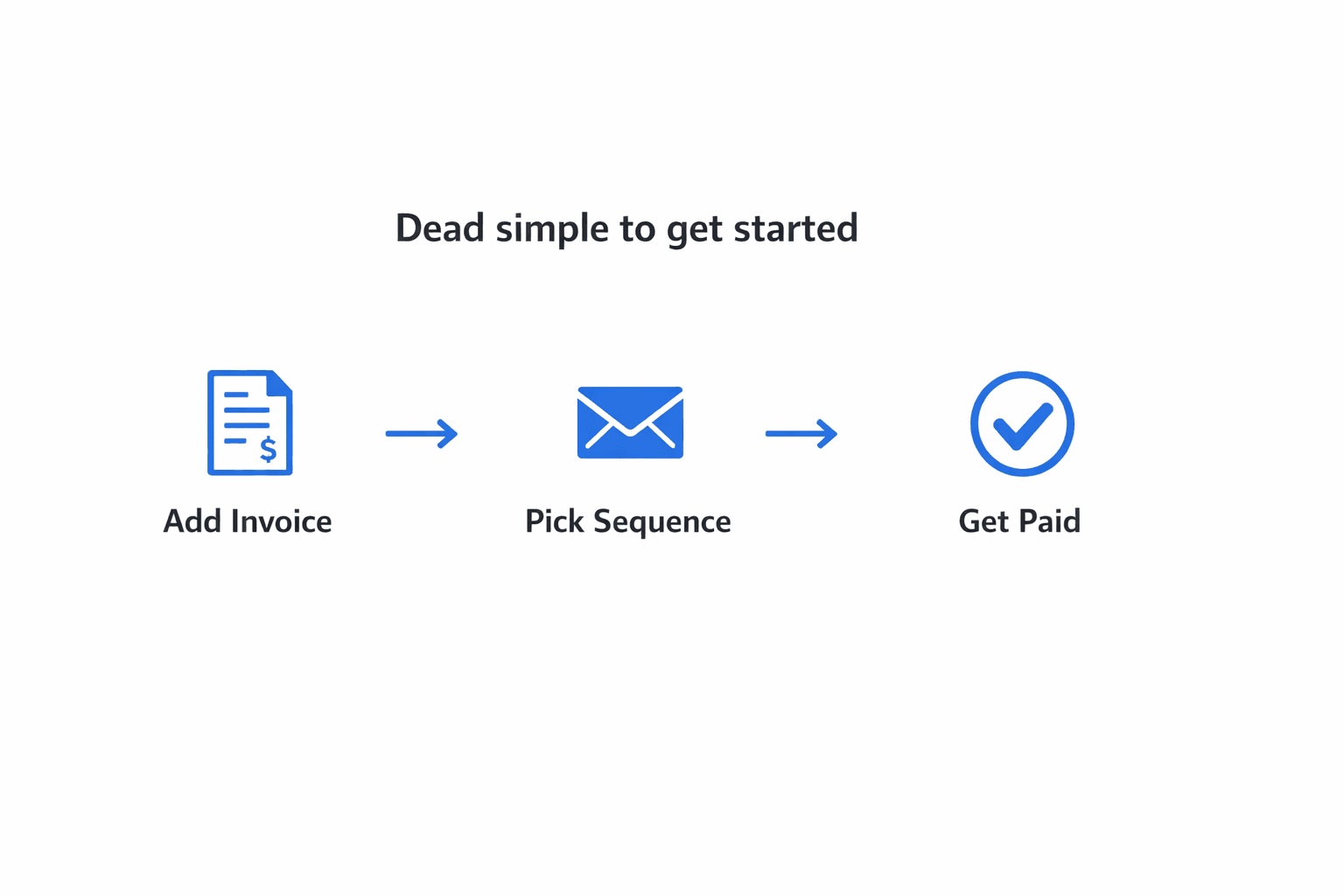
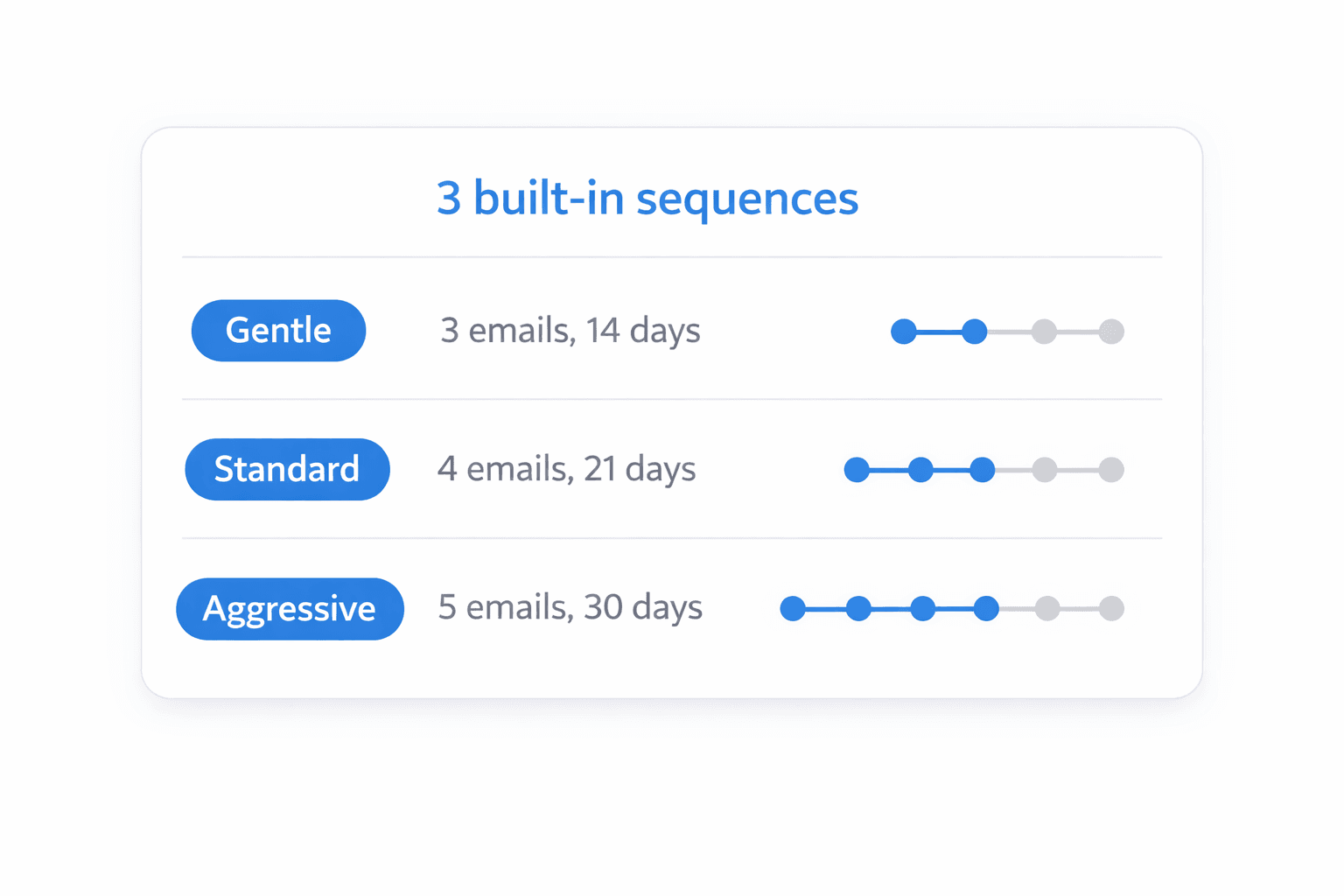
End-to-End Flow
A freelancer lands on the marketing site, reviews value props, pricing, and FAQ, then signs up or logs in through Supabase authentication.
Inside the app, the user creates clients, adds invoice records, attaches due dates and amounts, and optionally chooses the reminder sequence to run.
Each invoice is mapped to a follow-up sequence. Nudge stores the current step, the next send time, and the state required to continue or stop automation safely.
A protected cron endpoint checks invoices that need a nudge, sends branded reminder emails with Resend, and records each attempt in a delivery log.
The dashboard surfaces invoice health, sends history, and outstanding balances so freelancers can see which accounts are moving and which need attention.
When an invoice is marked paid, nudges stop. Subscription state from Polar unlocks or restricts premium features like unlimited invoices and custom sequences.
System Map
The public experience lives in the App Router and introduces the problem, workflow, pricing, and sign-up path. This page is part of that public surface and is safe to index.
Once a session exists, users are redirected into the app shell for dashboard, clients, invoices, sequences, analytics, plan management, and settings.
Core entities include profiles, clients, invoices, sequences, sequence steps, nudge logs, and subscriptions. Everything revolves around the invoice lifecycle and user ownership.
The cron route finds due nudges, sends the next email, advances the sequence pointer, stores logs, and clears future nudges when the invoice has been fully escalated or paid.
Invoice Lifecycle
Operational Detail
Supabase handles sign-up, login, password reset, callback flow, and server-side session access. Route protection keeps app-only pages behind an authenticated boundary.
Free users are limited to one client, three active invoices, and the Gentle sequence. Pro removes those limits and unlocks all built-in sequences plus custom ones.
Reminder emails are generated from React Email templates and sent through Resend. Copy uses the freelancer profile so the messages feel personal instead of generic.
Polar checkout and webhook events keep profile and subscription records aligned. New or updated subscriptions immediately change feature access inside the product.
RLS is enabled across the data model, user-scoped reads are required, and privileged operations stay inside server routes that use the service role safely.
The app is designed for Vercel, with scheduled automation running through Vercel Cron and public metadata like sitemap, robots, and Open Graph helping discoverability.
Why this page exists
This route is public, cleanly structured, internally linked, and now included in the sitemap so it can support indexing while still helping real visitors understand the full Nudge workflow.